Your design studio
Create an outfit
Start with a dress or outfit template, choose the details, and add fabric you have found. Save your concept privately, then invite a maker to quote.
Put your look together
Try a template without signing in. Your preview is a design guide, not a sewing pattern or virtual fitting.
01 · Choose your silhouette
Pick the closest starting shape. You can switch silhouettes later without losing your fabric notes.
02 · Shape and finishing
Choose a neckline, sleeves, and hem length, then experiment with coordinated colors and prints. The sketch updates as you change your selections.
03 · Color and print
04 · Fabric notes
Start with the fabric name or a shop link. For a useful maker quote, include fiber content, stretch, weight, and whether the fabric is woven or knit. Your colors and print are visual references, not a guarantee of exact material matching.
Link to a fabric that is for sale. Ask your maker to confirm yardage and suitability before buying. Store stock and prices are not checked automatically.
Optional · Add your avatar
Review adds your current choices to the form below. Your project is saved only when you submit that form.
Back to preview ↑A-line · Studio imageFABRIC / FORM / DETAIL
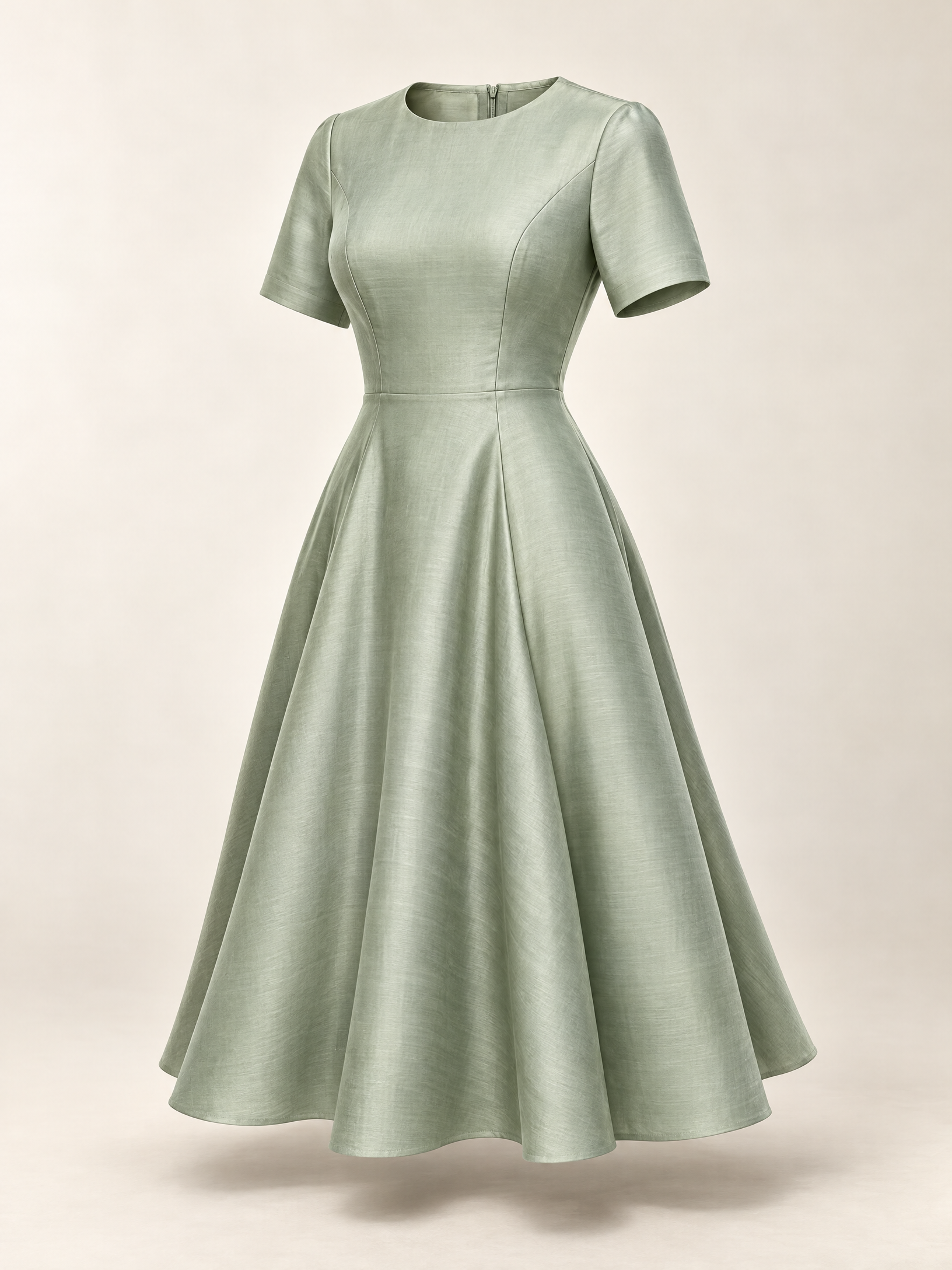
Detailed reference for your selected silhouette. Explore its fabric, seams and drape. Your color, neckline, sleeve and length changes appear in the editable previews below.
See your editable design ↓YOUR EDITABLE DESIGNRotate in 3D or switch to sketch
Downloads stay on your device. Prints and colors are design references; your maker will confirm the real fabric.
Visualize this outfit
Optional AI concept preview for fabric and drape. Requires a House account. Your technical sketch remains the design reference.
Sign in or create a House account to generate a concept preview.
AI may change garment details, fabric and fit. The preview is not a sewing pattern. It stays in this tab unless you download it.
Compare your looks
Sketches and outfit choices stay in this tab. Use pinned look restores its outfit, fabric notes and avatar. Undo brings back your latest edits.
Current look
Change your outfit, then select Compare current look.
Sign in or create a House account to manage your portfolio.
My design portfolio
Your projects start private. Shared projects are visible to signed-in active House designers and published seamstresses offering custom garment construction. Sharing does not publish a shop listing.
Add a design
Projects I offered to make
Find projects to bring to life
Active House designers can browse shared designs. Seamstresses and tailors can join by publishing a sewing-service profile with “Bring sketches to life · custom garment construction” selected.